
To contact socialbizmagazine.com, open the Contact Us tab in the top menu and use either the email address or the form on that page. The site says it reads every email and usually replies within one business day, though only to relevant messages.
| Where do I start? | The Contact Us tab, last item in the menu |
| Which two routes exist? | An email address and a form |
| Which form fields are required? | First Name, Email and Message carry an asterisk |
| What must the message say? | The site name, socialbizmagazine.com, in the body |
| Is a mailing address shown? | A street address in Indiana appears in the footer |
| Is there a sales desk? | The pages read show none; one article only uses the phrase |
Which contact routes does socialbizmagazine give you?
The contact page offers three things, each worth knowing before you write.
- An email address, shown twice: once in the opening note about feedback and again under Contact Details. The site hides it from automated readers, so it is not printed here.
- A web form with five fields and a Send message button.
- A footer address, listed as a street address in Indiana, with no phone number beside it.
Nothing on the page names a person, a department or office hours. A visitor who wants a faster reply has no other channel to try, so a clear first message matters.
What does the socialbizmagazine.com contact page ask for?
Here is how the socialbizmagazine.com contact page is laid out, field by field, in the order it appears.
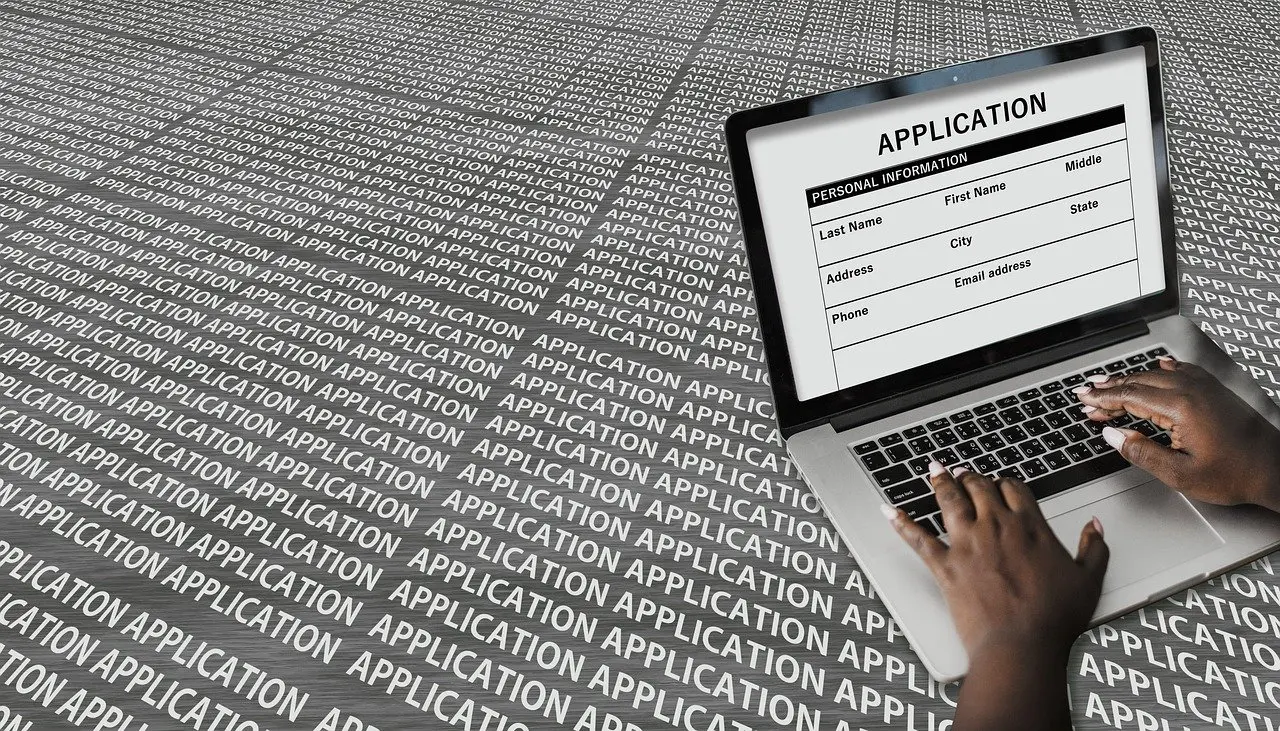
- First Name, marked required.
- Last Name, not marked required.
- Email, marked required.
- Message, marked required.
- Website, an optional field.
Fill them in, press Send message and wait. The page does not say whether a confirmation message or an automatic email follows, so keep a copy of your text in case you need to resend.
How do you use the socialbizmagazine.com contact email well?
The socialbizmagazine.com contact email works best with a clear, short message. The page asks for the site name in the body, and it warns that high volume means only relevant propositions get a reply. These habits help.
- Write socialbizmagazine.com in the first line, as the page requests.
- Put the article title in the subject or opening sentence.
- Ask one thing: a correction, a question or a partnership idea.
- Give a way to reach you that you check daily.
- Leave out passwords, card numbers and ID details.
A cold pitch with no link to the site’s subjects is the kind of message the page implies it will not answer.
What does socialbizmagazine publish, so you know what to write about?
The home page describes business news, entertainment and lifestyle insights. The menu tabs are Lifestyle, Business News and Entertainment, plus About and Contact Us.

- Business items include product managers, company checks, small-business ideas and fee costs for businesses.
- Lifestyle items include eSIM choices, office supplies and home furniture.
- Editor’s picks cover digital marketing reports, content calendars and social engagement.
- Bylines include Zyndrak Vorthal and Byndaris Zolvak, with no biographies on the home page.
Matching your message to one of these topics makes it more likely to be treated as relevant.
- No owner, company name or founding year appears in the pages read.
- No phone number is listed.
- The About page was not part of the packet, so its claims are not quoted.
- No editorial policy or corrections process is described.
- An article called Contact Sales For SocialBizMagazine.com is general advice text, not a sales line, so do not expect a sales representative behind it.
The last item is the one most likely to mislead. A headline that includes the site name and the word sales can look like a direct number, but the page behind it is an article.
It is also worth knowing what the site does not promise. It does not say how long a message may wait if the inbox is busy, and it does not describe what happens to the details you type into the form. Its footer links to a privacy policy and terms page, which are the places to look for how submitted data is handled.
How do you confirm you are on the real socialbizmagazine contact page?
A short checklist keeps you from sending a message to a copy of the site.
- Read the address bar: it should show socialbizmagazine.com and nothing added before or after.
- Check the browser tab title, which reads Contact Us – Socialbizmagazine on the page read.
- Count the menu tabs: Home, Lifestyle, Business News, Entertainment, About and Contact Us.
- Look at the form: five fields and a Send message button, with no request for payment details.
- Check the footer for a 2026 copyright line crediting the site name.
If any of those differ, close the page and type the address again from scratch. A form that asks for a card number, a government ID or a password is not the one described on the pages read.
What kinds of message get a useful reply at socialbizmagazine?
Judging only by what the contact page says, three kinds of message fit the site.
- Feedback on a published piece, quoting its title and what you liked or disagreed with.
- A correction request that names the sentence and the source you would check it against.
- A topic suggestion that fits the business, lifestyle or entertainment tabs and explains in two lines why a reader would care.
A bulk email asking for links, or a long attachment from an unknown sender, is the opposite of that and is unlikely to be answered.
Questions about contacting socialbizmagazine
Is the contact form better than email?
The page treats them as equals. Use the form if you have no mail app and email if you want a record in your own sent folder.
Will socialbizmagazine reply to every message?
No. It says it usually replies within one business day but only answers relevant propositions.
Can I send a press release?
The page does not mention press releases or submissions. Ask in your message and keep it short.
Does the site give a phone number?
Not on the pages read. Only the email address, the form and a footer street address are shown.