
The playing games site playbattlesquare is playbattlesquare.com, which describes itself as a place for Minecraft tips, gaming fun and newsbeat updates. The pages read name no owner, so this page covers what the site states and how to build a tidy play space for a small apartment.
| Site address | playbattlesquare.com |
| Self-described focus | Minecraft tips, gaming fun and newsbeat |
| Owner named on pages read? | No |
| Content style | Blog-style posts and archive sections |
| Small-space tip | Use a fold-away desk or a shelf-height console spot |
| Safety habit | Download only from official sources |
What the playbattlesquare site presents
The home page is titled Home – Playbattlesquare and describes Minecraft tips, gaming fun and updates labeled newsbeat. Much of the page text is a string of alternative spellings and search-style phrases, which makes the front page less informative than a normal landing page.
Related text mentions Minecraft guides on house ideas, bridge designs, automatic farms and a modpack, plus a section for contacting the site. Beyond those labels, the pages do not describe the team or its history.
How playing games on blog playbattlesquare works
In practice, playing games on blog playbattlesquare means reading posts and guides that relate to a game rather than running games in the page itself. The site’s own wording includes variations such as playing games on playbattlesquare and playing games blog playbattlesquare, but the content that was visible is article-style.
Treat each article as one hobbyist source. Check publication dates against your game version, since patches can change recipes, mechanics and mod compatibility.
Using minecraft playbattlesquare tips at home
Guides on house designs and farms are easier to follow when the screen is comfortable. A few habits make sessions smoother in a small home.
- Test any tip in a spare world first.
- Keep notes in a small notebook rather than many open tabs.
- Pause every hour to rest your eyes.
- Use official stores for downloads.
- Skip any page that asks for passwords.
These are general habits, not claims about the site.
Planning a game corner in a small space
A compact game corner starts with one wall. Choose a spot near an outlet, away from the main walkway, and measure it before buying anything.
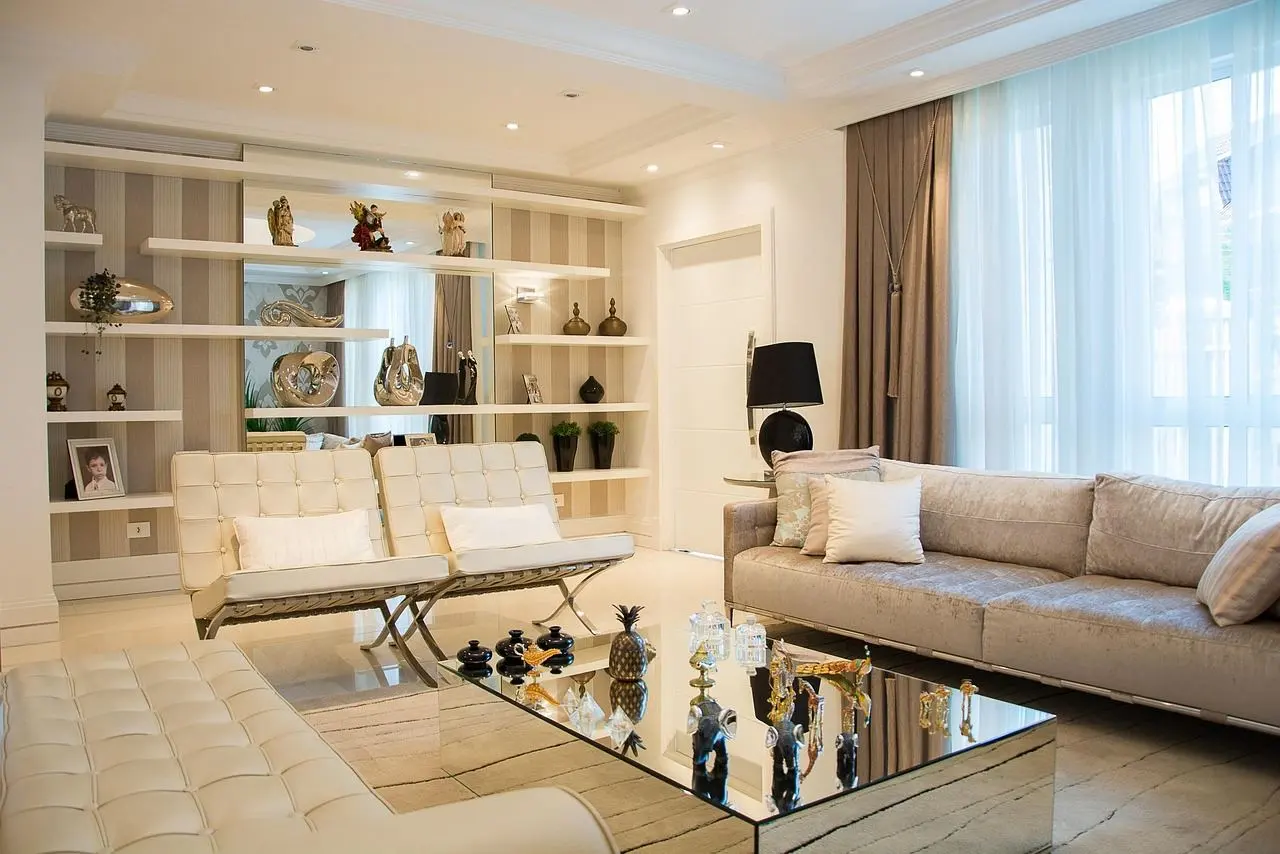
A fold-down wall desk or a slim console table can hold a screen and keyboard while leaving the floor clear. Add a stool that tucks underneath.
Furniture that disappears when the game ends
Fold-away pieces keep a studio flexible. A wall-mounted desk that closes flush, a rolling cart that slides beside a sofa, and a storage ottoman for controllers all help.
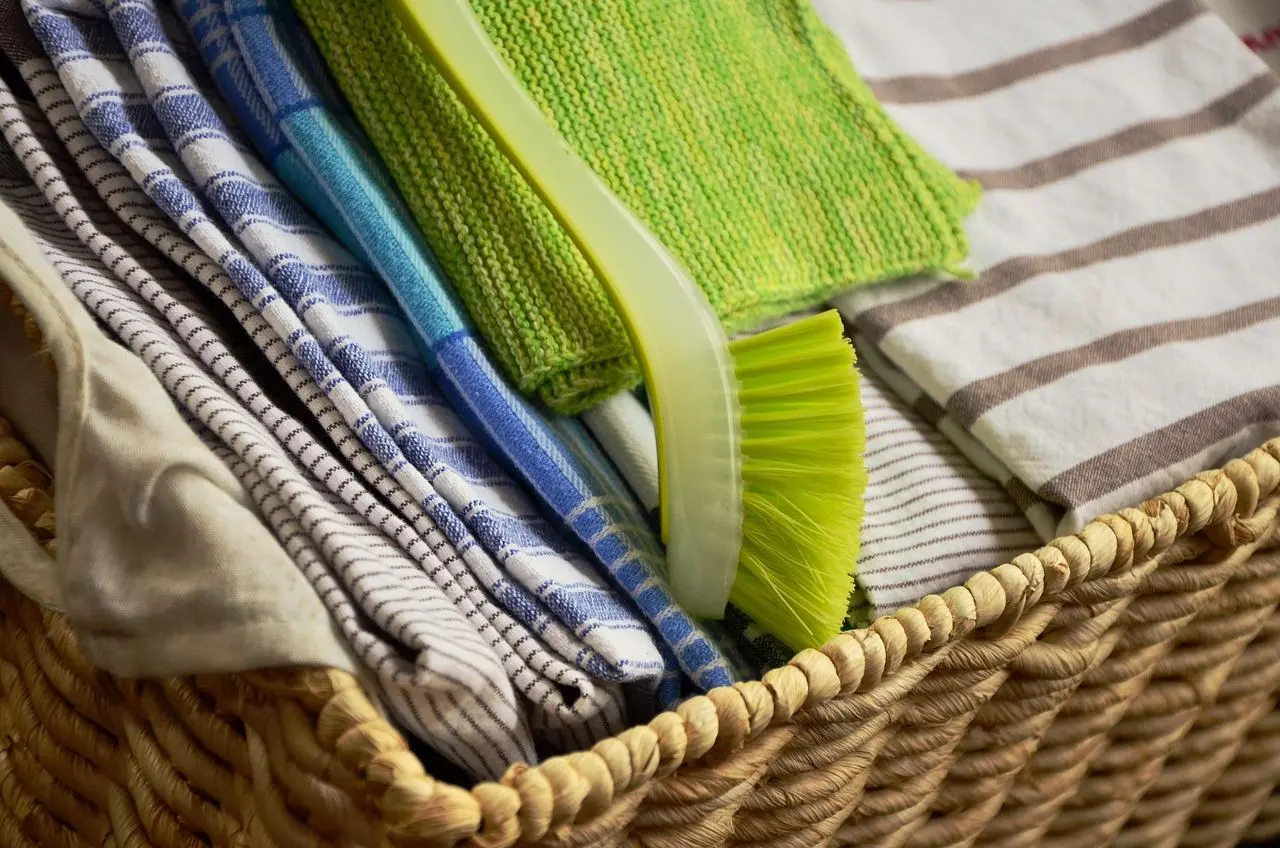
Wicker baskets filled with folded linens or cables make an attractive screen-side store, and keep wires from spreading. Choose neutral colors so the corner blends into the living area.
Lighting, cables and sound
Soft indirect light reduces glare. Place a lamp beside the screen, not behind it, and use curtains to cut daytime reflections.
Gather cables with clips or a cord cover, and label each plug. Headphones keep noise down in shared homes, and a rug under a desk chair dampens sound for neighbors below.
Reading a playing game blog playbattlesquare post with care
A playing game blog playbattlesquare article is a good starting point, not the final word. Look at what it actually shows: a screenshot, a list of materials, a step order. Posts that give specific numbers and name the game version are easier to verify than general advice.
If a guide recommends adding extra files to your game, pause. Mods and packs should come from the official or well-known community sources, and you should read the instructions twice before changing anything in a world you care about. A backup copy of your save takes seconds and saves hours.
Compare any build against a second source. Two matching accounts are far more reliable than one confident post.
Can you play games on site playbattlesquare itself?
A frequent search is play games on site playbattlesquare, as if the address hosted games directly. From the pages read, it looks like a Minecraft and gaming blog with news-style posts, not a game portal. If a page ever asks you to install software, enter payment details or sign in with a gaming account, stop and check the address before continuing.
For actual play, use the game’s own launcher or store. The site, as described by its own text, is for reading about the game: tips, ideas and updates. That is a reasonable use of it, as long as you keep expectations modest and your personal data to yourself.
In a small home, reading time and play time can share the same corner. A lap tray or a folding side table lets you keep a tablet beside the main screen without adding a second desk.
A weekend plan for a tidy game nook
Saturday morning: measure the wall, clear the area and decide what must stay. Saturday afternoon: assemble a fold-away desk or place a slim table, then route cables along the baseboard with clips.
Sunday morning: add storage in baskets for controllers and chargers, and set a lamp. Sunday afternoon: test the setup with a normal session and adjust seat height, screen distance and lighting. If anything feels cramped, move one item rather than buying a new one.
What stays unconfirmed about playbattlesquare
No owner, founding date or visitor count appears in the pages read, and this page does not invent any. It also does not endorse the site. Contact details should come only from its own pages.
If you need to verify the address, search the exact name and compare spelling. A mistyped domain is a common route to lookalike pages.